Access the Interactive GIS Map
There are 2 ways to access the Interactive GIS Map: from the county search page, or a property detail page.
1
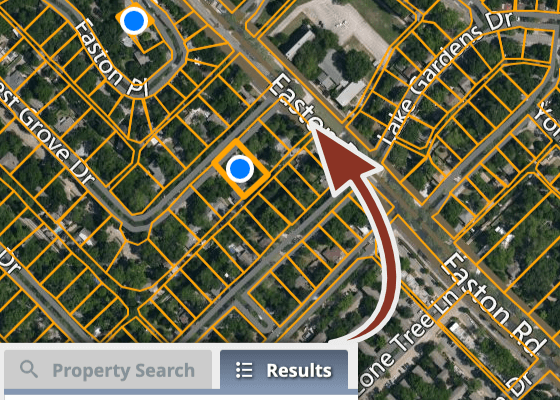
Interactive GIS Map & Search
Search and view results on the same page.
Search and view results on the same page.
2
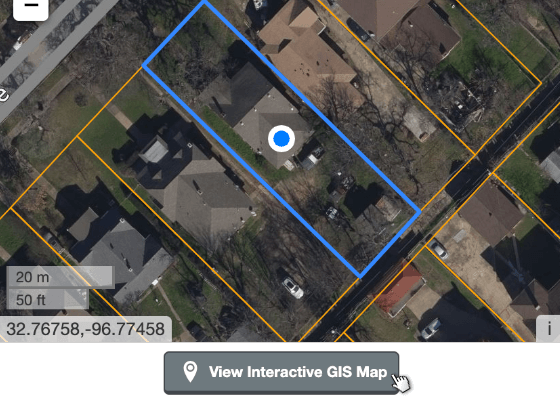
View Interactive GIS Map
Open the Interactive GIS Map on this parcel.
Open the Interactive GIS Map on this parcel.
Navigate the Interactive GIS Map
Pan
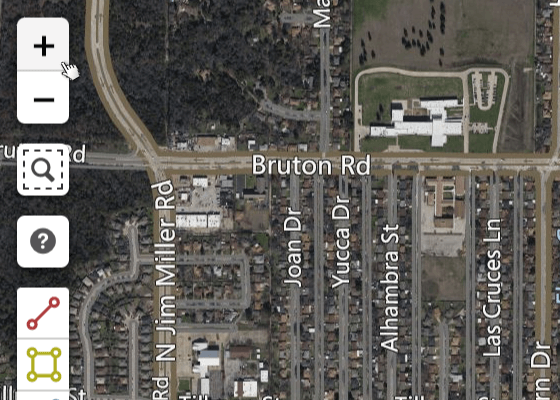
Pan and Zoom
Move around the map by dragging your mouse, and zoom in or out with the zoom control on the top left.
Move around the map by dragging your mouse, and zoom in or out with the zoom control on the top left.
Zoom
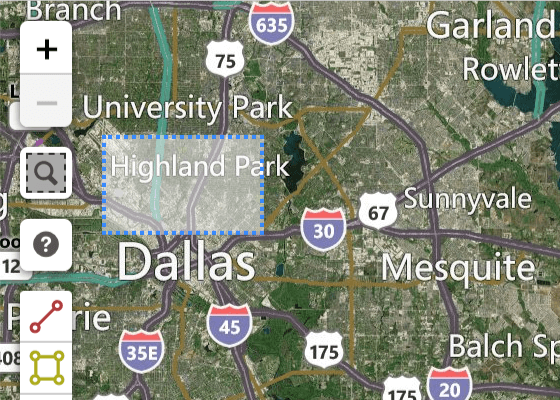
Zoom to Region
Activate the Zoom to Region tool to zoom to a region that you draw.
Activate the Zoom to Region tool to zoom to a region that you draw.
Parcel Selection Tools
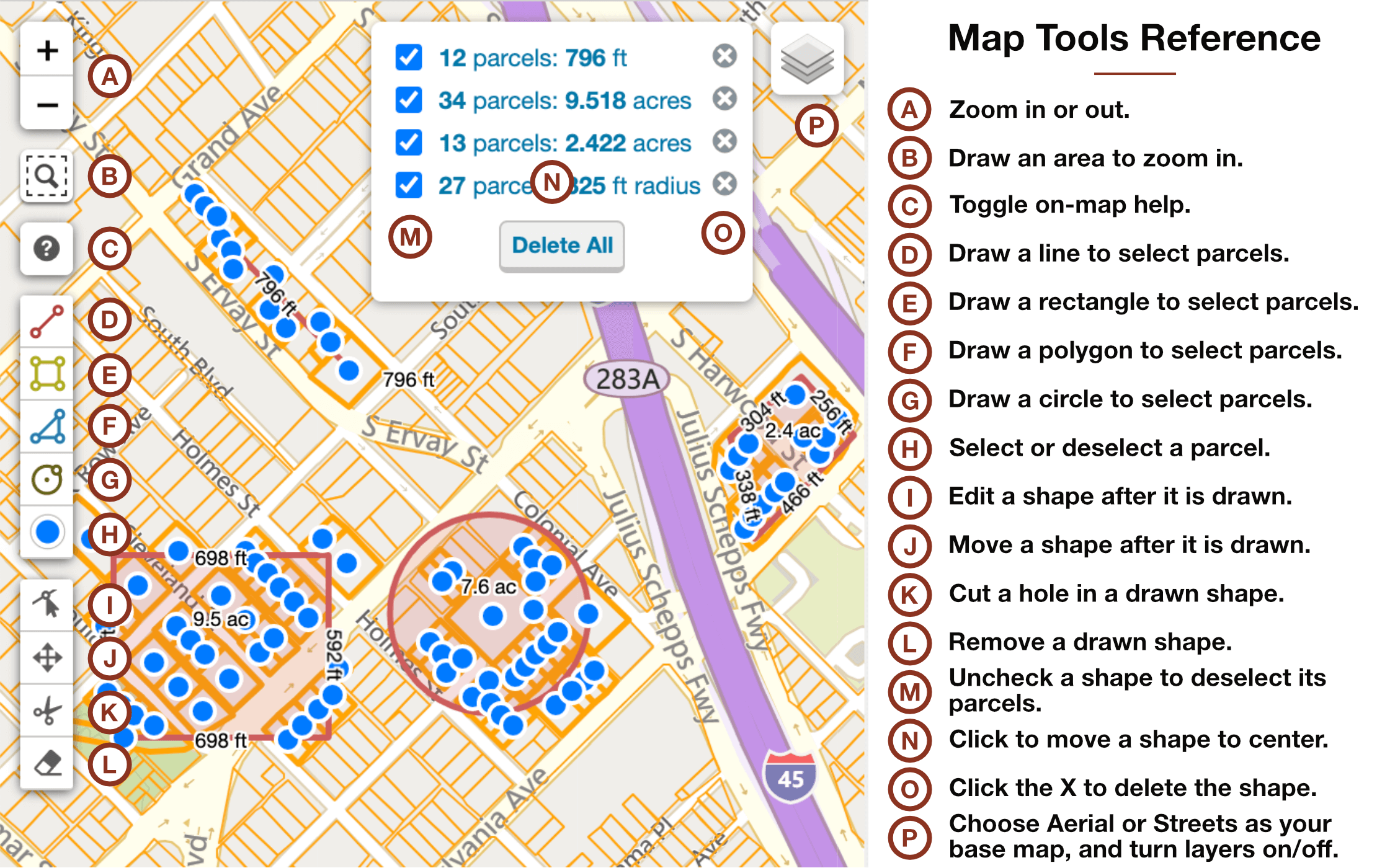
Parcel selection tools allow 2 approaches to locating properties - search and then select an area, or select an area and then search:
- Search to create a list of properties. Then use the selection tools to limit your list to certain areas and select parcels visually.
- Or, draw a line or polygon (shape) on the map to select parcels, and then search to refine the results.
View or Download Search Results
All parcels selected in the map are added to the Results. You can easily locate any parcel on the map, and download the list to a file.
Inspect
Locate & Review
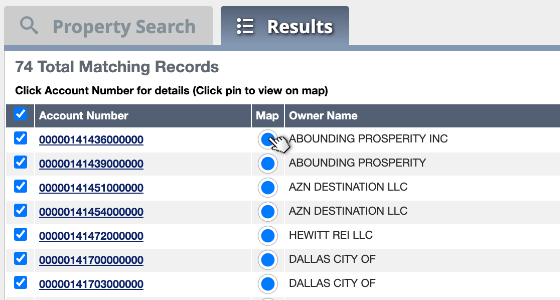
Click the Map pin icon to locate the parcel and view owner and property information.
Click the Map pin icon to locate the parcel and view owner and property information.
Download
Print Labels, Save Results, or Download
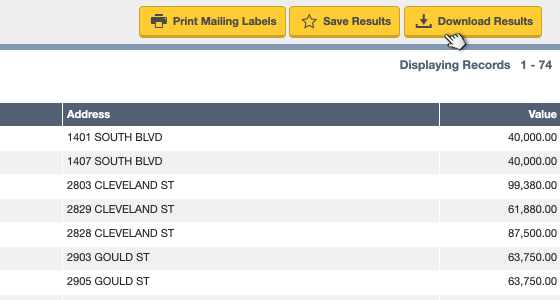
Click Print Labels to print mailing labels, Save Results to save the list for later use, or Download Results to download the list as a file that can be imported into spreadsheet or database.
Mailing Labels and Downloadable Results are purchased with credits.
Click Print Labels to print mailing labels, Save Results to save the list for later use, or Download Results to download the list as a file that can be imported into spreadsheet or database.
Mailing Labels and Downloadable Results are purchased with credits.